The Connection, our page of online services and resources, makes it easy to stay engaged with your student's education.
The HCPS Communications page has information about the division's social media accounts, newsletters, HCPS-TV and more.
Welcome to 2025-26!
We can't wait to see you Aug. 18 — the first day of the new school year! You'll find lots of information below to get ready for an exciting year. Go to our 2025-26 calendar page for a look at the year ahead, and to download a printable 2025-26 calendar.
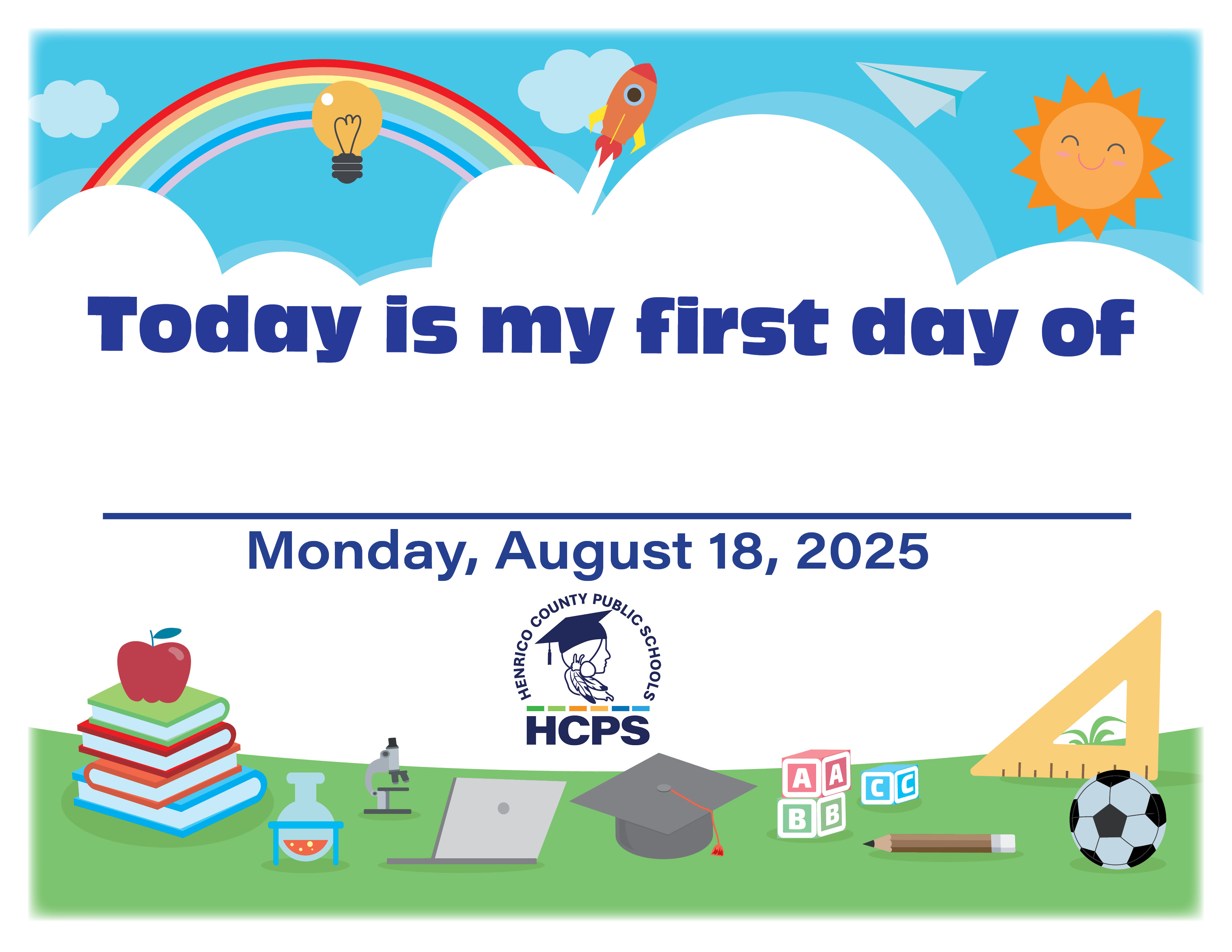
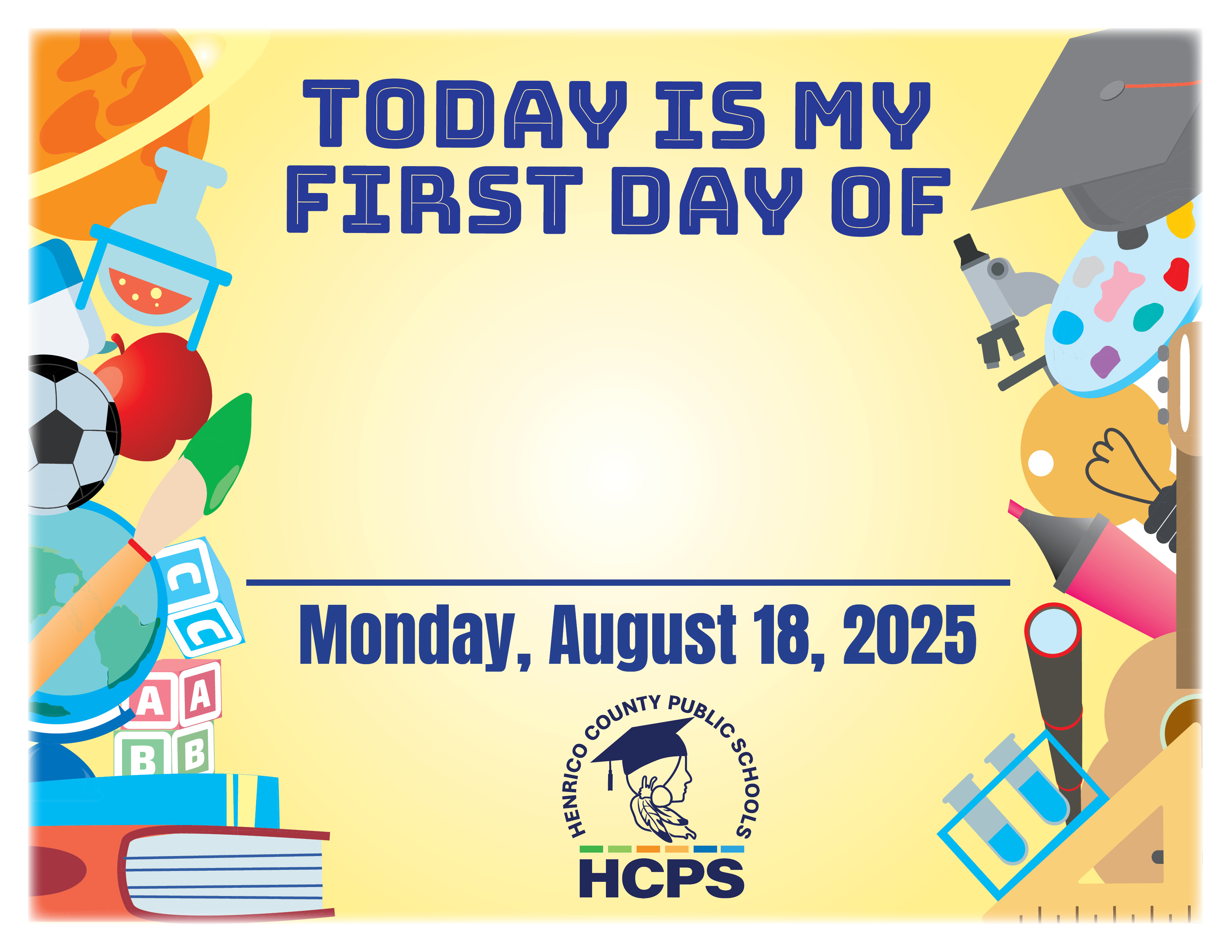
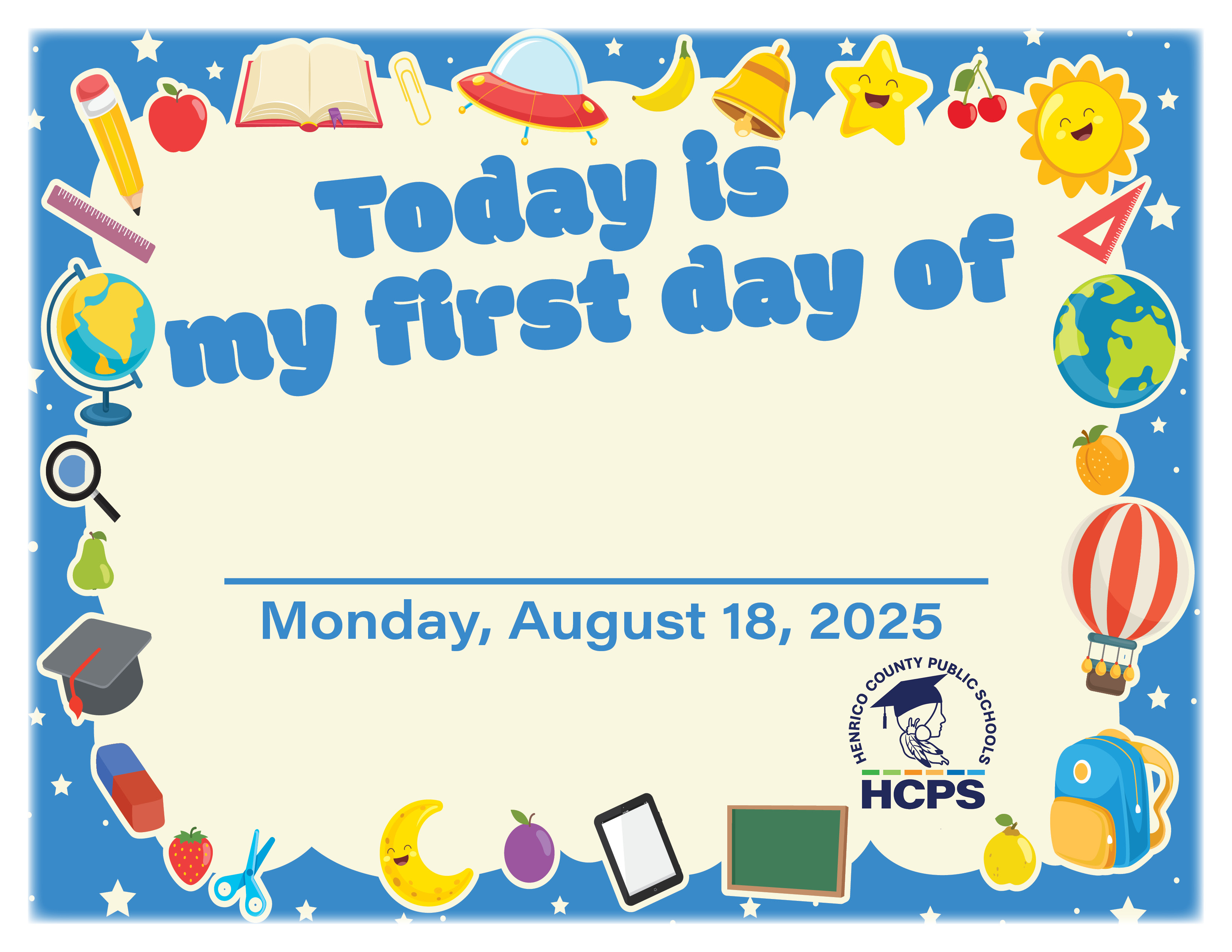
Click one of the signs below to download a printable pdf to show off on the first day of school!
Student Smart IDs
All HCPS students are expected to wear their student ID badges daily in a visible place. The Student Smart IDs are used for essential operational services such as riding the bus, tracking attendance, purchasing meals and checking out library books.
Cell Phones
To limit distractions during the instructional day, students are not allowed to have their cell phones out at any time during the school day. The only exceptions are for students who use a phone or smart device to monitor or address a health concern, or as an approved assistive technology device outlined in an individual learning program plan. Middle and high school students will place their phones in HCPS storage devices in their classrooms. Cell phones must be stored out of sight in backpacks and personal bags during class changes and at lunch. Phones and devices may not be used during class changes or at lunch, and students must keep them stored out of sight.
When students don’t follow the rules about cell phones and other devices, there are consequences.
Elementary students will be warned and reminded of the rules the first time this happens, and their parents or guardians will be contacted. Further problems can lead to students not being allowed to bring a device to school.
A “first offense” for secondary students will result in a warning, confiscation of the device for the rest of the day, and parents or guardians being notified. Further violations can lead to other disciplinary action, including parents or guardians being called to retrieve the device and students no longer being allowed to bring a device to school for the rest of the year.
For details about the policy updates and consequences for policy violations, see the 2025-26 Code of Student Conduct.
Transportation
Bus routes and schedules for the 2025-26 school year are available in the PowerSchool Parent Portal. Please take a few minutes to familiarize yourself and your children with their bus number and bus stop location and remind students to wear their Smart Student ID each day. This is also a good time to download the Edulog Bus App to receive real-time updates on bus locations and time-sensitive messages from the HCPS Transportation Department.
ParentSquare Contact Update
Henrico County Public Schools is making it even easier for families to stay connected with our schools. You can now add up to two additional people, such as noncustodial parents, grandparents, guardians or stepparents, to receive ParentSquare messages!
By adding them as "Contact 3" and "Contact 4" in PowerSchool, they’ll get school news and important HCPS updates along with you. ParentSquare uses this PowerSchool information to create accounts, so updating the information now ensures that everyone will receive back-to-school communication.
Get school and classroom news with ParentSquare
Imagine getting all the school news and information you need sent directly to your phone. HCPS schools and teachers use ParentSquare to engage families via email, text and the ParentSquare mobile app. Notifications include things like:
Snow days and other time-sensitive alerts.
Principals' weekly messages.
Late bus notifications.
Student absences.
Low meal account balances.
Event information.
Read more about ParentSquare or watch this video introduction.
Download the app
ParentSquare - Apps on Google Play
ParentSquare on the App Store - Apple
Information for HCPS families at all grade levels:
PowerSchool Parent Portal 2025 Announcements
When you sign up for a parent or guardian PowerSchool account, you get easy access to class grades, attendance information and student schedules. The portal also gives you “single sign-on” access to other online services.
July 23 at 9:30 a.m.: The PowerSchool Parent Portal opens to families for account creation and to complete back to school forms through Ecollect Forms.
Aug. 4: Online School Payments service available for families to pay school fees.
Aug. 7: All elementary and secondary student schedules will display in PowerSchool Parent Portal.
Aug. 11 by 9:30 a.m.: Bus schedules will display on the Transportation page in the PowerSchool Parent Portal.
School Nutrition Services:
The HCPS School Nutrition Services team makes sure students are fueled and ready to learn. The page has information about menus, special diets, prices and much more.
Families are strongly encouraged to use MySchoolBucks to pay for à la carte items sold in school cafeterias. Your student's MySchoolBucks account is tied to their Smart Student ID Cards, so they can scan their ID to pay for meals.
Free and reduced-price meals: Some HCPS schools qualify for the federal Community Eligibility Provision, where all students eat for free without the need to submit an income-based application. If your child attends an HCPS school that isn’t on the list, please complete an application on your own. The online application for 2025-26 is expected to be available Aug. 1 at our Free-and-Reduced-Price Meals page. You can also pick up a paper application at any HCPS school that isn’t on the Community Eligibility Provision list, or at the HCPS School Nutrition Services office at 1910 E. Parham Road.
If your student qualifies for reduced-price meals, the entire cost is being waived for 2025-26 and paid for with state funding.

Pay school fees online:
Elective classes at the middle and high school levels (such as art, music, band, and career and technical education courses) may still require a fee. Online School Payments allows families of middle and high school students to pay school fees electronically. If you need to set up a payment plan, please contact your school to schedule a meeting with an administrator.